Help: Focus
A Focus is a workbench for one piece of work. You pull together the thoughts and topics that belong to it, write your own notes on top, think it through in one place, and then send it to your designer in one go. Make one with Group in focus on Thoughts (tick the thoughts first), or from a thought; its page opens at once. The ? by its title brings you to this page, and the first time you open a Focus a small box tells you what's what.
Watch it work
A Focus with Meld on, start to finish, in 45 seconds: you type small thoughts; your designer picks each up and it moves through its tags (sent, thinking, waiting, done); the Spec and the Design are rewritten; one comes back with a question and you pick an answer; the tickets go through the pipeline; a tester walks it; the Focus is done. ⏸ pauses, ↺ starts over.
Compact
A Focus opens Compact: each thought is a two-row card, so many fit on the screen. Tap Compact (top, beside the count) to turn it off for the full cards; your choice is remembered. The Thoughts page has the same toggle.
- Touches, left of the cards: everything the Focus links, Spec sections, mockups, topics and tickets, each a link. A ticket's colour is its state: grey new, blue in progress, amber built, green done.
- 🎫 Pipeline, on top of Touches: this Focus's tickets in New, In progress, Built and Done.
- Answer on the card: a thought asking you something shows its questions and options right on the card. Tap your picks; when every question has one, it saves. ? on a question asks for details, or lets you write your own answer.
From a search to tasks
Gather it, think it through, send it as tasks. Search and tick what belongs together; it goes poof into a Focus and the map spins up. Add your thoughts one by one, and each lights what it names. Ask one question with Thread now and the answer comes back into that thought. Ask for a mockup and your designer shows it on the spot; the one you like joins. Send focus, split by feature, and it lands in the pipeline as tasks.
The map
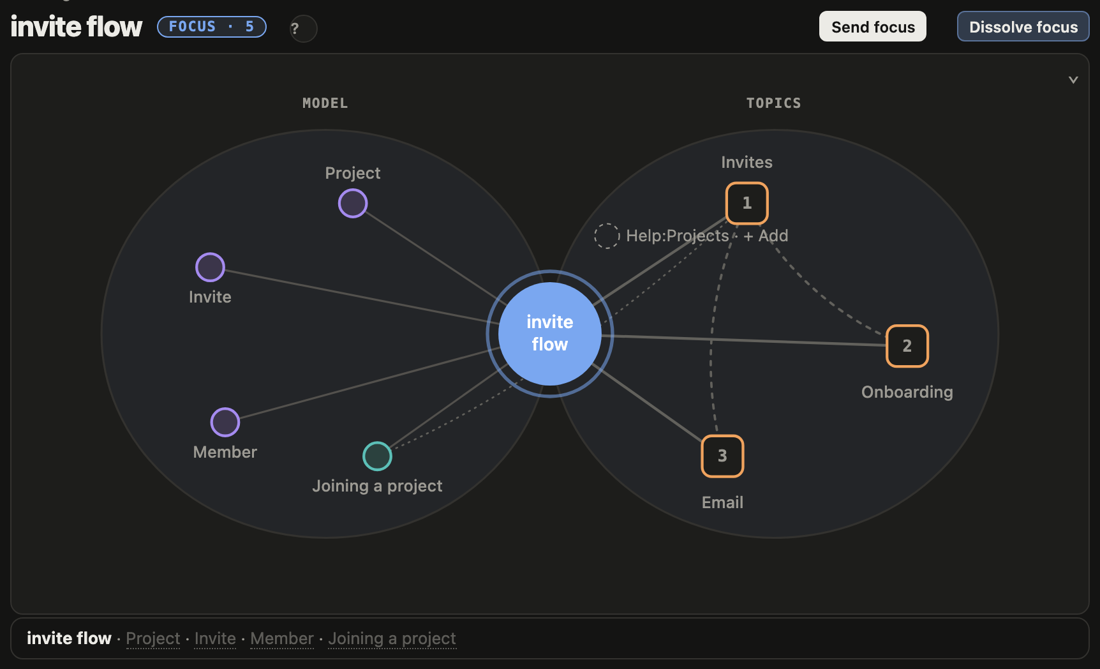
Your Focus sits in the middle, a blue circle with its name.
- Right, the topics it holds: orange squares, numbered. A dotted line joins two topics that link to each other.
- Left, the model the Focus talks about: the classes (violet) that your notes and thoughts name, and the features (teal). A feature has a dotted line to the topics that name it.
- Grey, with + Add: topics your notes mention that the Focus doesn't hold yet. + Add makes one a member.
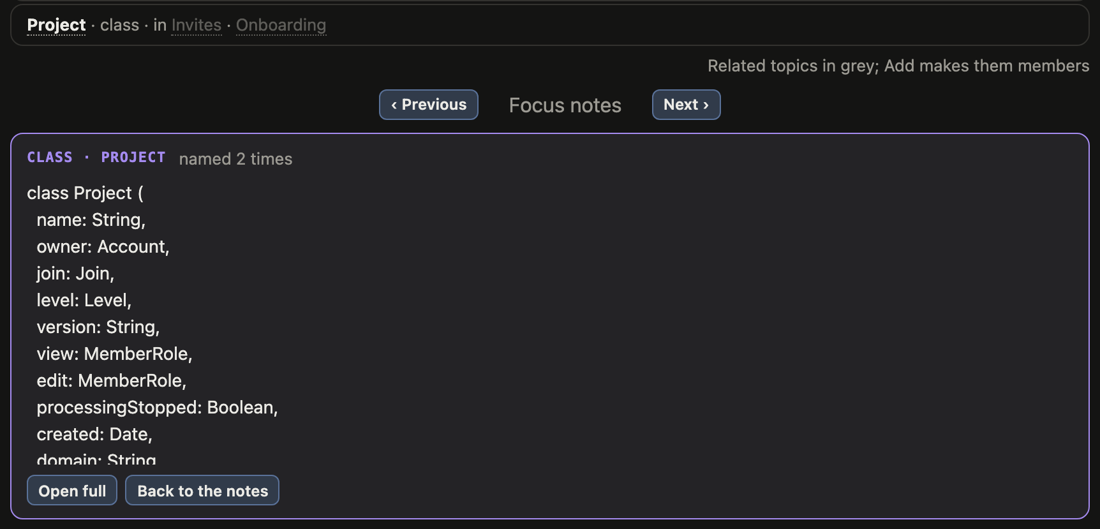
- Tap anything to open it under the map. Tap the middle to come back to your notes. Previous and Next walk through your notes and the topics in order.
Fold the map
When you'd rather write than look, ⌄ at the map's top right folds it to one line. The line stays at the top as you scroll and keeps up with you: it shows what you tap, and the classes and topics you type. ⌃ opens the map again, and the page remembers which way you left it.

Your notes
The box under the map is the Focus's own text: what it's about, what you've decided, what's still open. It saves as you type. The buttons above it add bold, italic, headings, lists, [[links]] and #tags. Add at its top right starts a new thought right inside this Focus, or opens search to bring in more.
Its thoughts
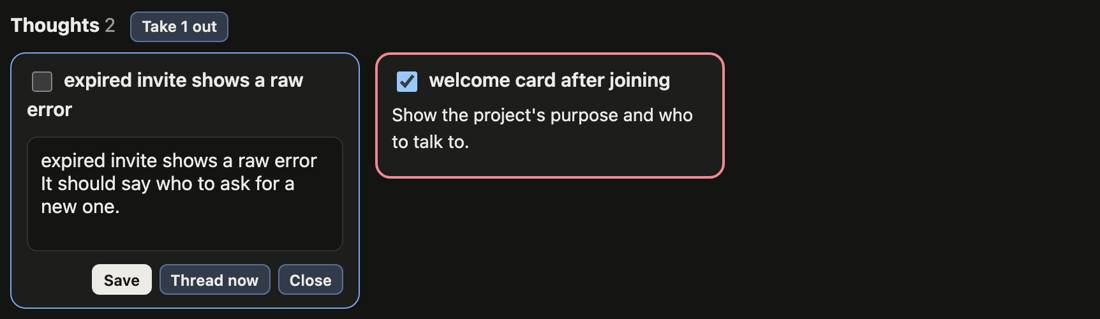
The Focus's thoughts are the cards at the bottom.
- Tap a card to edit it in place. Save keeps it; Thread now sends that one thought to your designer as a question, and the answer comes back in the thought.
- Take some out: tick their cards, then Take N out by the Thoughts heading (it shows once something is ticked). They go back to Thoughts and into the Inbox.
Send it, or let it go
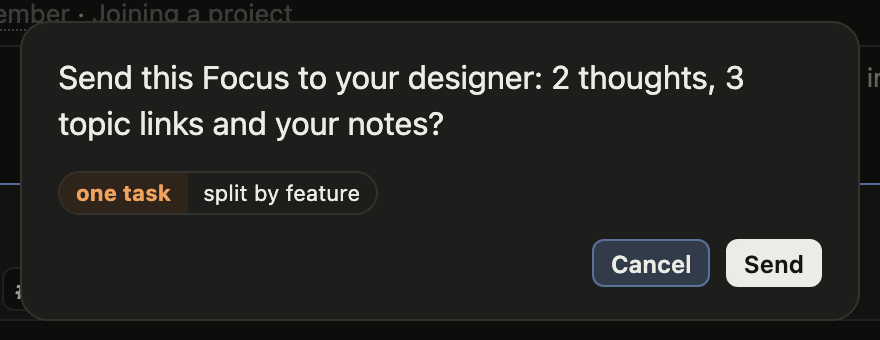
- Send focus (at the top) asks first. It sends every thought, the topic links and your notes to your designer, as one task (the usual choice) or split by feature, one task for each feature its thoughts name.
- Dissolve focus (at the top) also asks first. Every thought goes back to Thoughts and the Inbox, your notes are added to the first thought, and the topics are left as they are. On a Focus of one thought, the same button reads Back to a thought.
More on thoughts, threads and the Inbox: Thoughts.